The Service Call: A Samsung Washer Full of Standing Water
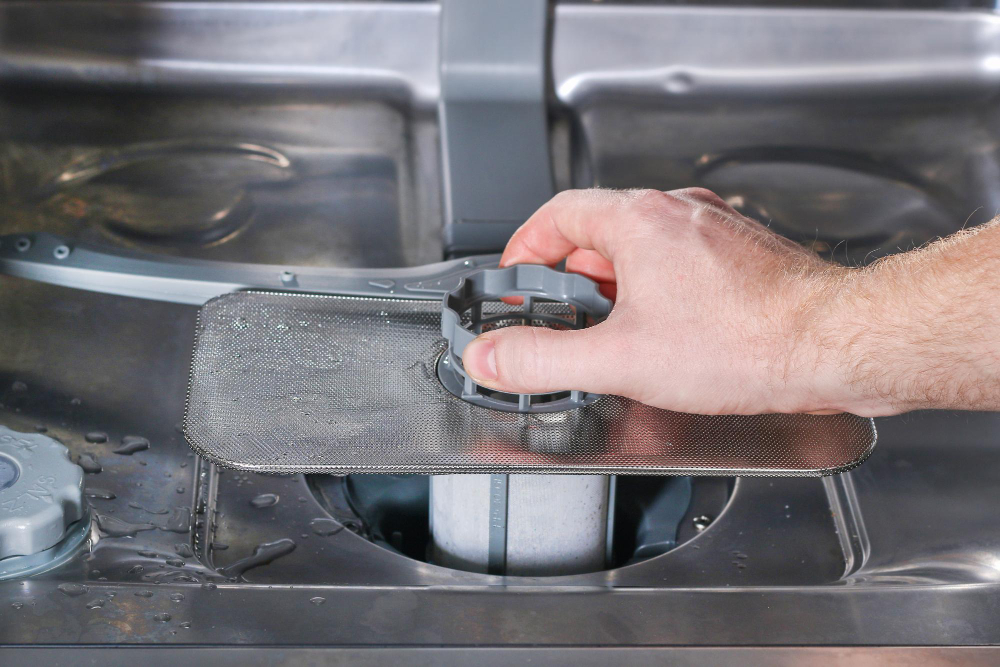
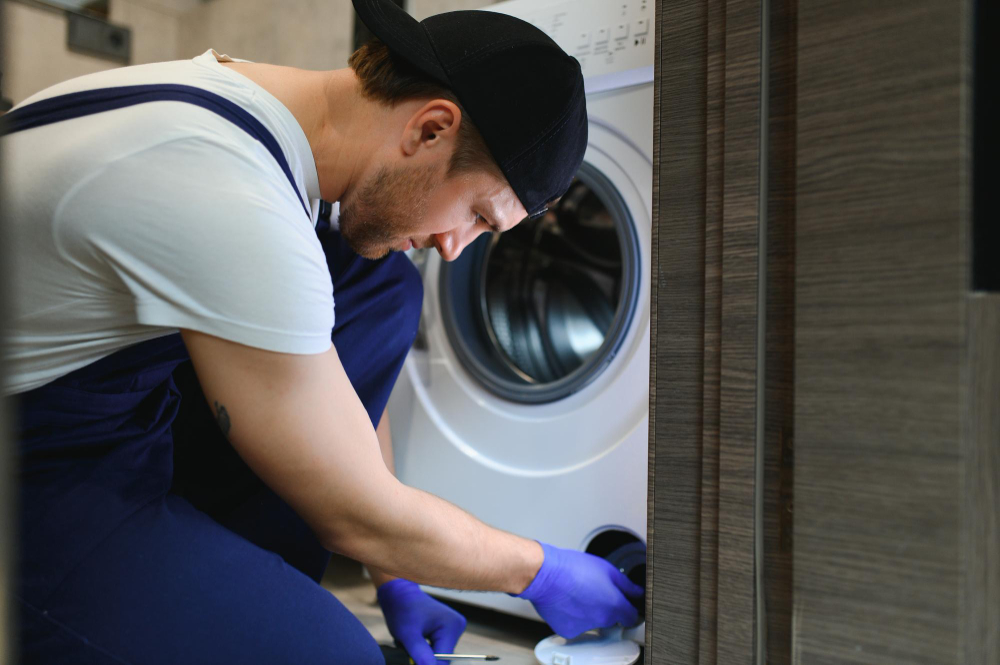
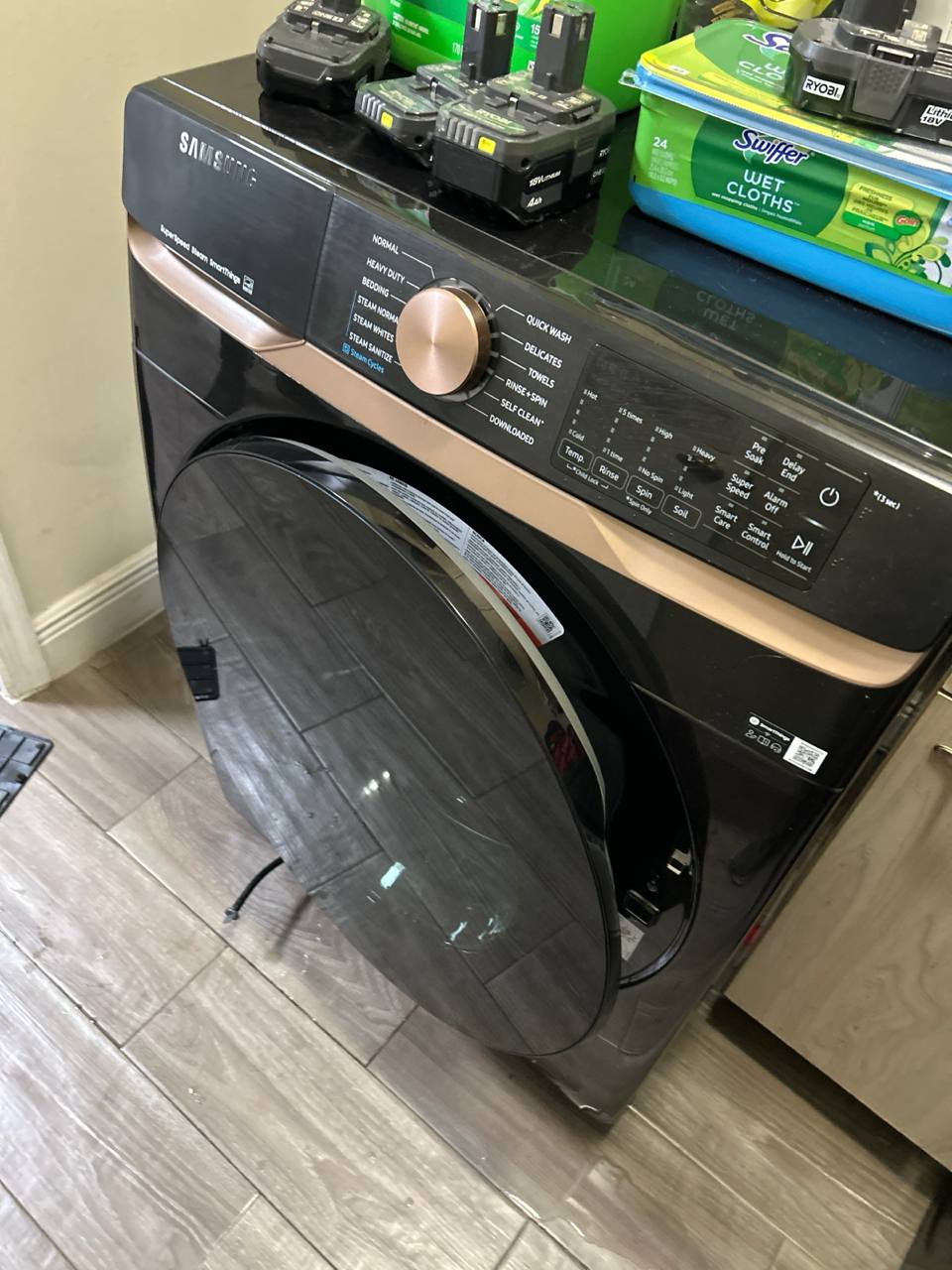
We got the call on a Tuesday morning. A homeowner in Mount Holly had gone to switch their laundry and found their Samsung front-load washer stuck mid-cycle with a full drum of standing water and the 5E error code blinking on the control panel. The door was locked — which it does automatically when water is present — and they couldn't get the load out. Our technician arrived the same afternoon. As you can see in the photo, the first thing we do on a Samsung front-load drainage call is access the drain pump filter panel at the bottom front of the machine.
Why Samsung Front-Load Washers Stop Draining
The 5E error (also displayed as SE on older Samsung models) is Samsung's drain error code. It means the washer tried to drain and couldn't complete the cycle within the expected time window. The four most common causes we find on Samsung front-load drainage calls are:
- Clogged drain pump filter: This is the culprit the majority of the time. The filter sits behind that lower access panel and is designed to catch lint, coins, hair ties, and small items before they reach the pump. When it gets packed full — which happens faster than most people realize — water can't pass through and the washer can't drain.
- Failed drain pump motor: If the filter is clear but the washer still won't drain, the pump itself may have seized or burned out. A pump failure usually produces a humming sound at the end of a cycle as the motor tries and fails to spin.
- Kinked or blocked drain hose: The drain hose runs from the pump to your standpipe or utility sink. If it's kinked behind the machine, pushed too far into the standpipe, or has a partial blockage, drainage will be restricted or completely stopped.
- Foreign object lodged in the pump impeller: Small items that make it past the filter — a coin, a piece of wire from a bra underwire, a twist tie — can jam the pump impeller and stop it from spinning entirely.
How We Diagnosed the Problem
With the access panel off and towels down on the floor, our technician slowly opened the filter cap to let the residual water drain out. The filter was solidly packed with a thick mat of lint and fabric fibers, and a small sock fragment came out that had worked its way through the drum perforations. After cleaning the filter completely, we confirmed the pump impeller was spinning freely with no damage. This was a straightforward filter clog — the most common Samsung washer drainage call we see.
How We Fixed It
- Drained the residual water safely. We placed absorbent towels around the base and used a shallow pan to capture the water that flows out when the filter cap is cracked open.
- Removed and deep-cleaned the drain pump filter. The filter was rinsed under running water and scrubbed clear of all lint and debris. The filter housing itself was also flushed.
- Inspected the pump impeller. With the filter out, we confirmed the impeller was clean and spun freely — confirming the pump motor was in good shape.
- Ran a drain-only test cycle. We ran a drain and spin cycle to confirm water cleared the drum completely with no error codes.
- Verified the drain hose routing. We confirmed the drain hose wasn't kinked and wasn't inserted too deeply into the standpipe — a common installation issue that causes recurring 5E errors.
Samsung Error Codes Related to Draining
- 5E / SE: The primary drain error. Start with the filter — it's the most common cause by a wide margin.
- 5C: A variant of the drain error seen on some Samsung models. Same diagnostic starting point as 5E.
- nF / 4E: Water fill error — related to water supply, not drainage.
- OE: Overflow error — can appear alongside drainage issues if a drain fault caused water to back up.
- DC / UB: Unbalanced load error. A drum that won't spin can leave water in the machine and be mistaken for a drain problem.
Tips to Keep Your Samsung Front-Load Washer Draining Properly
- Clean the drain pump filter every 1–3 months. It's the single most effective maintenance step to prevent drainage failures.
- Check pockets before every load. Coins, hair ties, and small items are the leading cause of pump damage and filter clogs.
- Use only HE detergent. Standard detergent creates excess suds that can trigger drain errors.
- Run a Drum Clean cycle monthly. It clears residue and keeps internal components cleaner over the long term.
Frequently Asked Questions
Why is my Samsung washer not draining and showing a 5E error?
The 5E error means the washer couldn't complete a drain cycle. The most common cause is a clogged drain pump filter. If the filter is clear and the error persists, the drain pump motor or drain hose may be the issue. Our washer repair team serves Mount Holly with same-day appointments.
How do I access the drain pump filter on a Samsung front-load washer?
It's behind the small access door on the lower front of the machine. Place towels and a pan on the floor, then slowly unscrew the filter cap counterclockwise. Once empty, the filter pulls straight out for cleaning.
Can a clogged drain filter damage the pump motor?
Yes, over time. When the filter is severely clogged, the pump motor works harder and can overheat and burn out. Keeping the filter clean protects the pump long-term. We've also written about a similar draining issue on an LG front-load washer in Lowesville — worth reading if you have an LG.
How often should I clean my Samsung washer drain filter?
Monthly is Samsung's recommendation. At minimum, every three months. Once you've done it the first time, the whole process takes about five minutes.
Is it worth repairing a Samsung front-load washer that won't drain?
For a drain pump filter clog, absolutely — it's a minimal-cost fix. Even a drain pump motor replacement typically runs $150–$275, which is well worth it on a Samsung front-load under 8–10 years old.


.svg)
.svg)